
Divi 5
Modules built for the Divi 5 Visual Builder
Native Divi 5 modules with Content, Design and Advanced tabs, presets and responsive settings — the way Divi’s own modules work.
75 available · works inside the free Moduly plugin
 Browse the live demos ↗
How to use them
Three steps
1
Switch on
Install Moduly and switch on the modules you want.
2
Find it
Open a page in the Divi 5 Visual Builder and click + to add a module.
3
Set it up
Search for the module and set it up in its Content, Design and Advanced tabs.
All Divi 5
Browse the divi 5 modules
24 of 75 items

360° Rotation
Let shoppers turn a product around before they buy.

Advanced Accordion
Fit FAQs and long details into a page people can scan.

Advanced Countdown
Add urgency to an offer or launch with a live deadline.

Advanced Heading
Give key headings more impact and draw the eye to them.

Advanced Pricing Table
Present plans clearly so visitors choose and sign up.

Advanced Tabs
Organise a lot of content into tabs people can switch between.

Age Gate
Keep age-restricted content behind an age check.
Animated Text
Catch attention with a headline that animates its key words.
Author Box
Show who wrote a post to build reader trust.

Business Hours
Tell customers when you are open, and right now if you are.

Calendly
Let visitors book a call or appointment without leaving the page.

Comparison Table
Help visitors pick the right plan or product side by side.
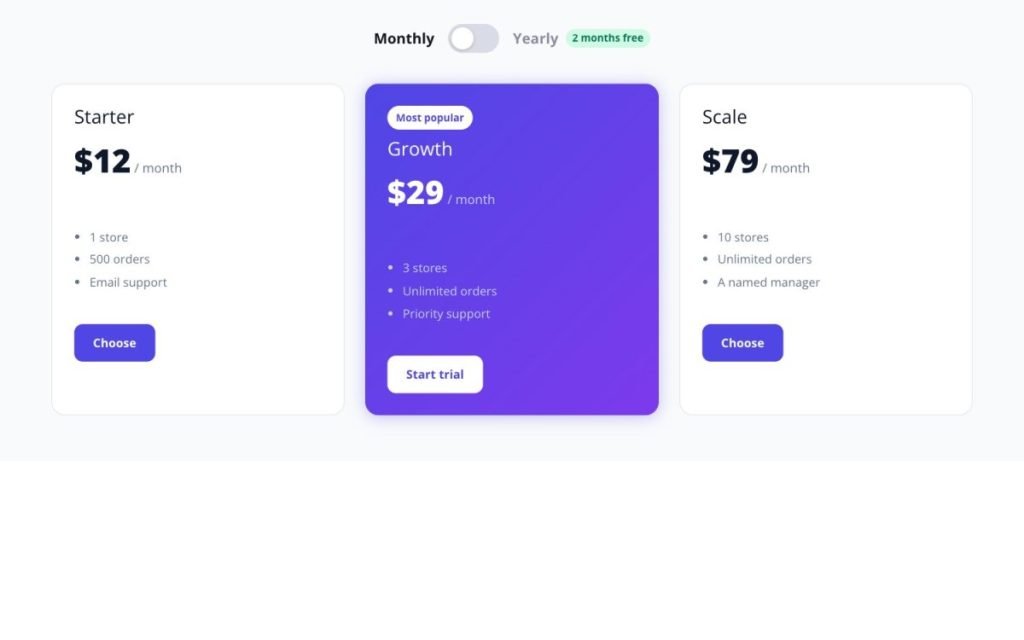
Content Switcher
Let visitors switch between two versions, like monthly and yearly.
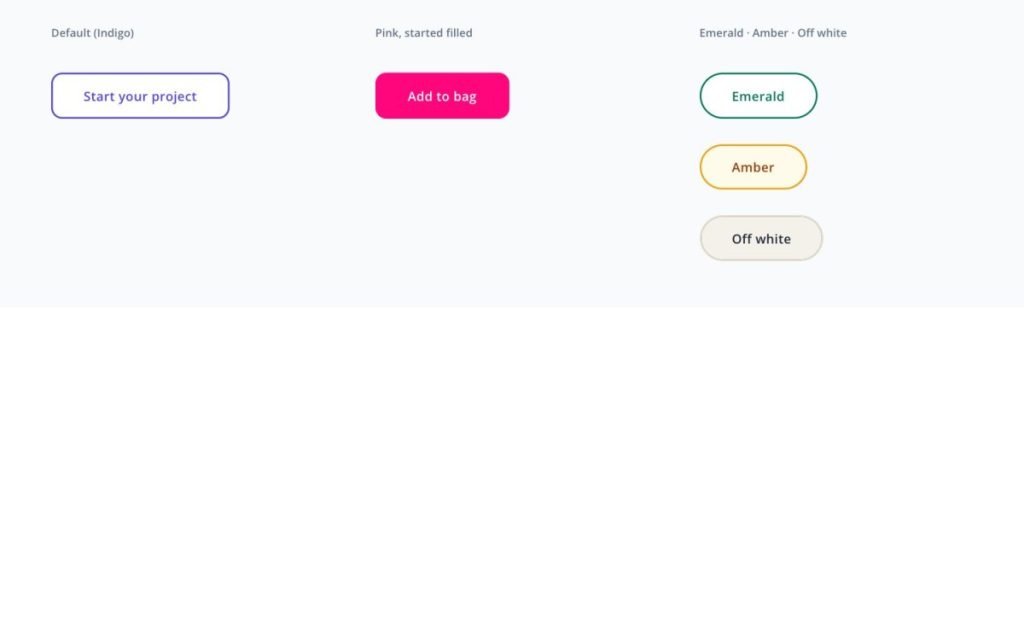
Creative Button
Make your main buttons stand out so more people click them.

Data Table
Let visitors search and sort large tables of data.

Deal Products
Turn sales into urgency with countdowns and sold bars.

Dropping Elements
Add a playful physics moment that invites visitors to interact.

Event Calendar
Show upcoming events so visitors can plan to attend.

Flip Box
Reveal more about a service when visitors interact with a card.

Form Styler
Make your existing form match the site so more people fill it in.
GSAP Elastic Cards
Let visitors grab, throw and play with your feature or product cards.
GSAP Image Hover List
Show projects or products as a clean list that reveals each image on hover.
GSAP Marquee
Keep logos, products or photos moving across the page in endless lanes.
GSAP Particle Text
Open a page with a headline that gathers from particles and reacts to the pointer.
Not finding what you need?
Request it from Feature Requests inside the plugin — others can vote for it, and it shows up on the roadmap.