
Gutenberg
Blocks for the WordPress editor
Each block adds one entry to the inserter, with presets offered as variations and ready-made patterns. They use the editor’s own colour, spacing and typography settings.
112 available · works inside the free Moduly plugin
 Browse the live demos ↗
How to use them
Three steps
1
Switch on
Install Moduly and switch on the blocks you want.
2
Find it
Open the block inserter and look in the Moduly category.
3
Set it up
Insert a block, pick a preset if you like, and adjust it in the sidebar.
All Gutenberg
Browse the gutenberg blocks
24 of 112 items

360° Rotation
Let shoppers turn a product around before they buy.
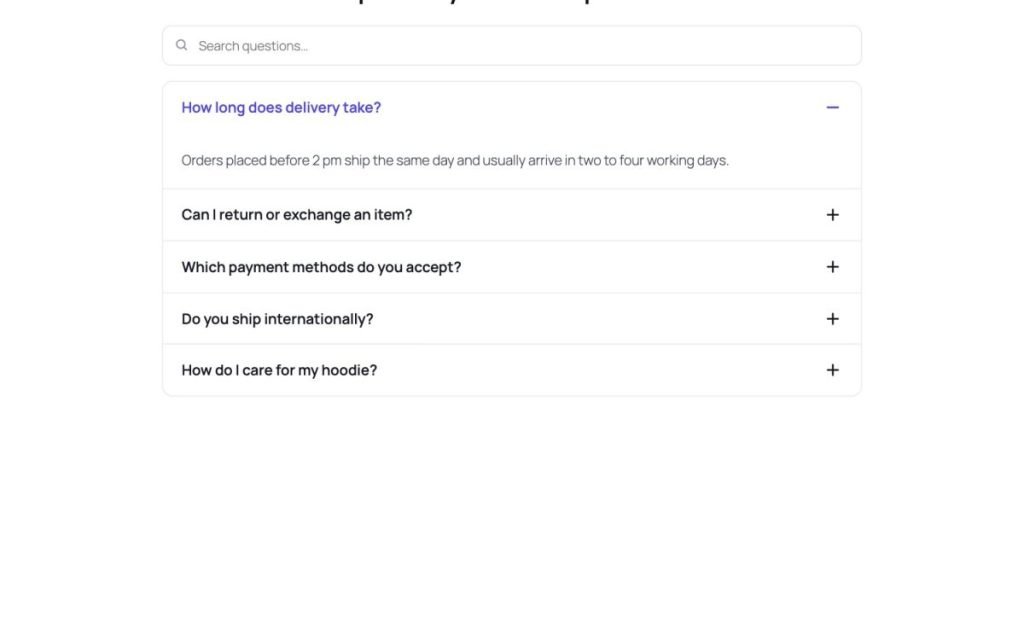
Advanced Accordion
Fit FAQs and long details into a page people can scan.
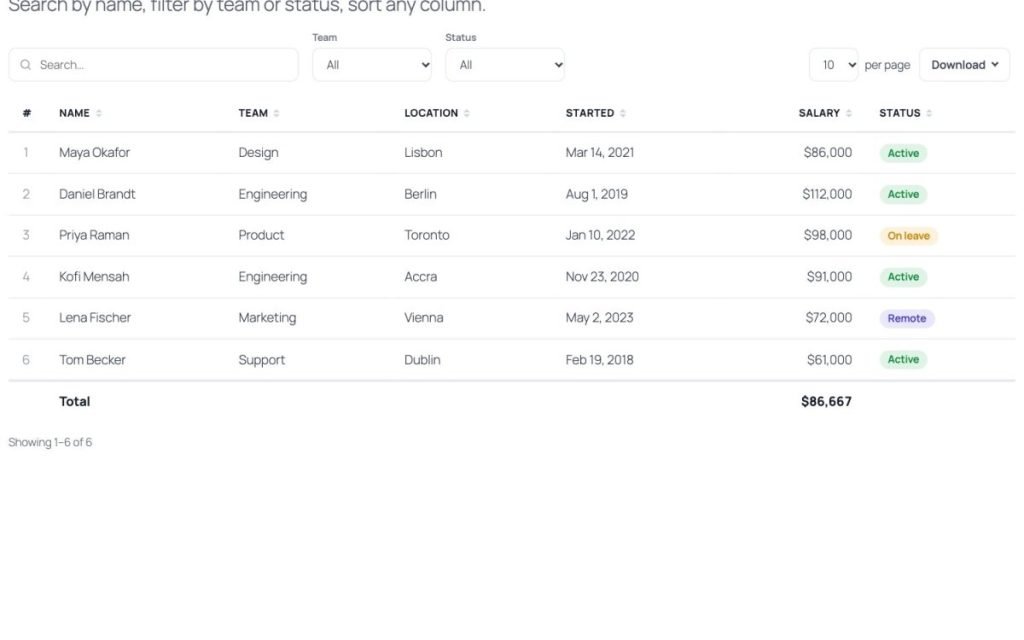
Advanced Data Table
Let visitors search and sort large tables of data.
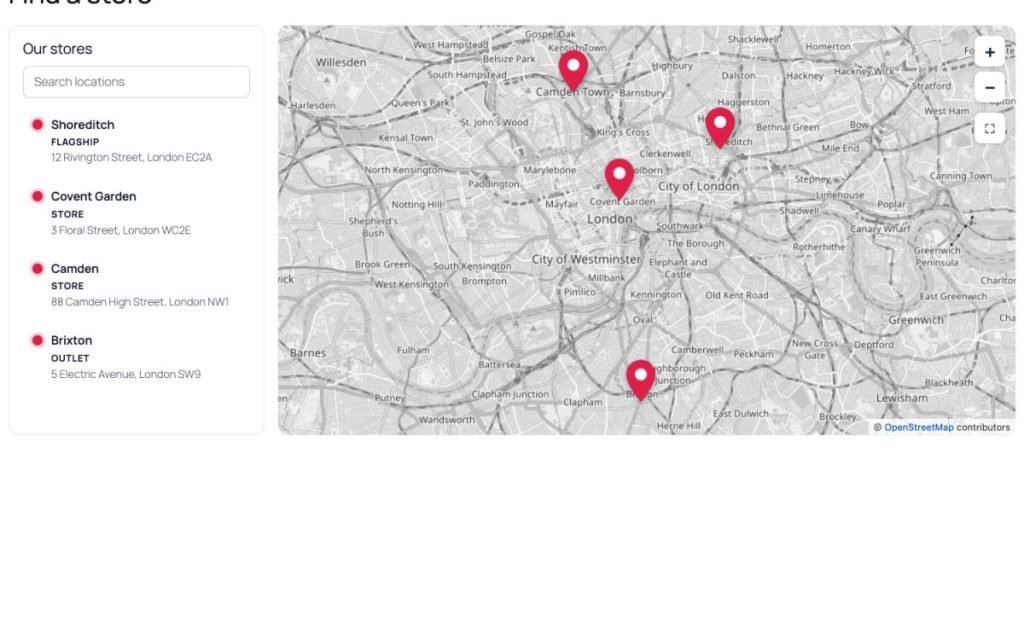
Advanced Map
Show visitors where you are and how to reach each location.

Advanced Search
Help visitors find posts and products the moment they type.

Advanced Slider
Open the page with full-width slides that tell your story.

Advanced Tabs
Organise a lot of content into tabs people can switch between.

Age Gate
Keep age-restricted content behind an age check.

Animated Heading
Catch attention with a headline that animates its key words.

Animated Icon
Add small animated icons that draw attention to key points.
Animated Link
Make links feel lively so visitors notice and click them.
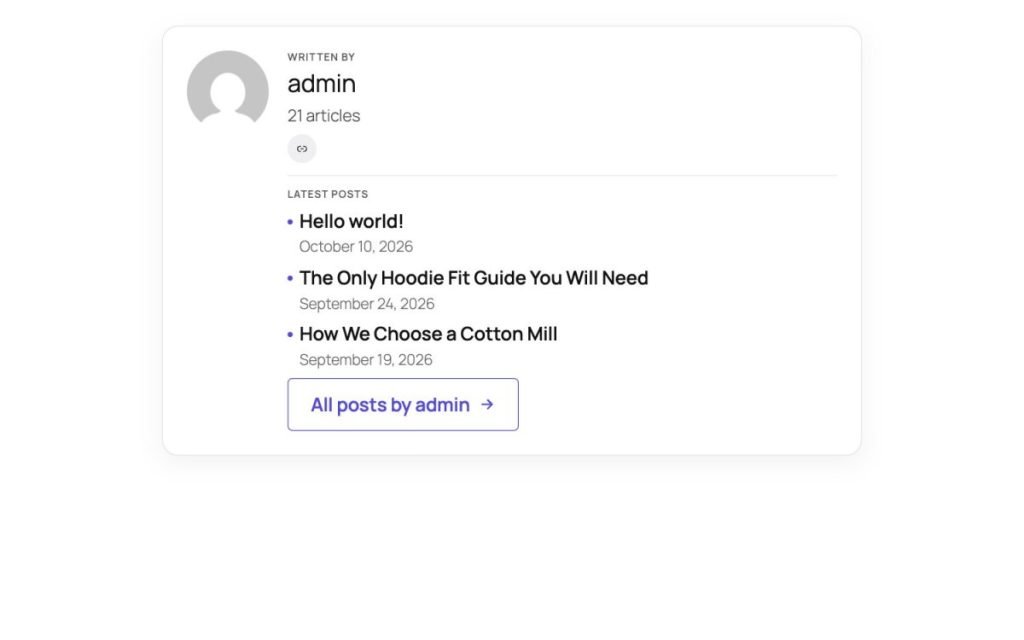
Author Box
Show who wrote a post to build reader trust.

Booking Embed
Let visitors book a call or appointment without leaving the page.
Breadcrumbs
Show visitors where they are and help search engines understand it.
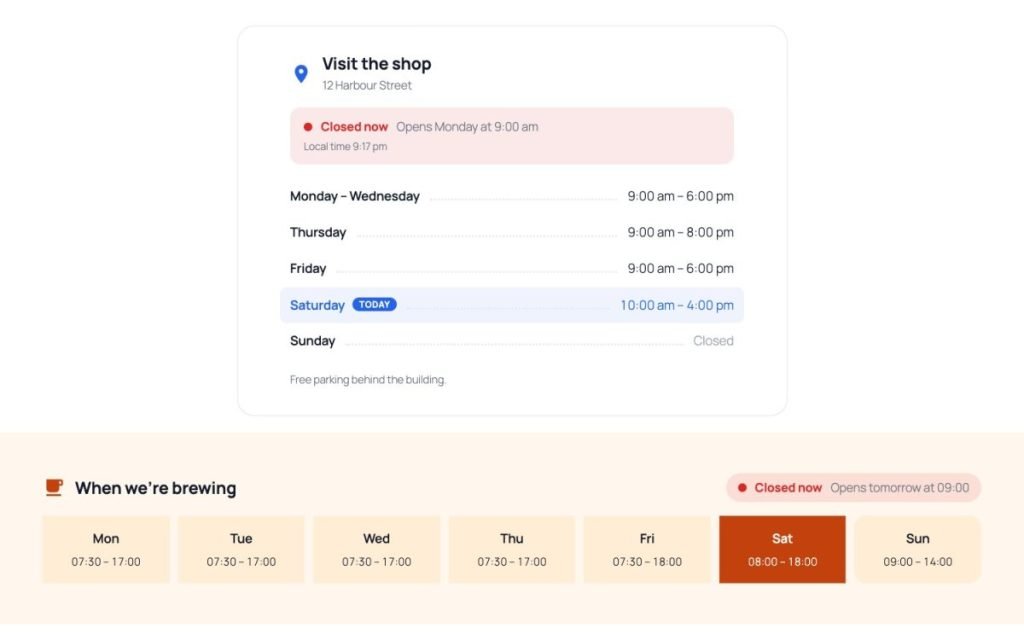
Business Hours
Tell customers when you are open, and right now if you are.

Call to Action
Turn a section into a clear next step visitors act on.

Card
Present a service or item as a tidy clickable card.
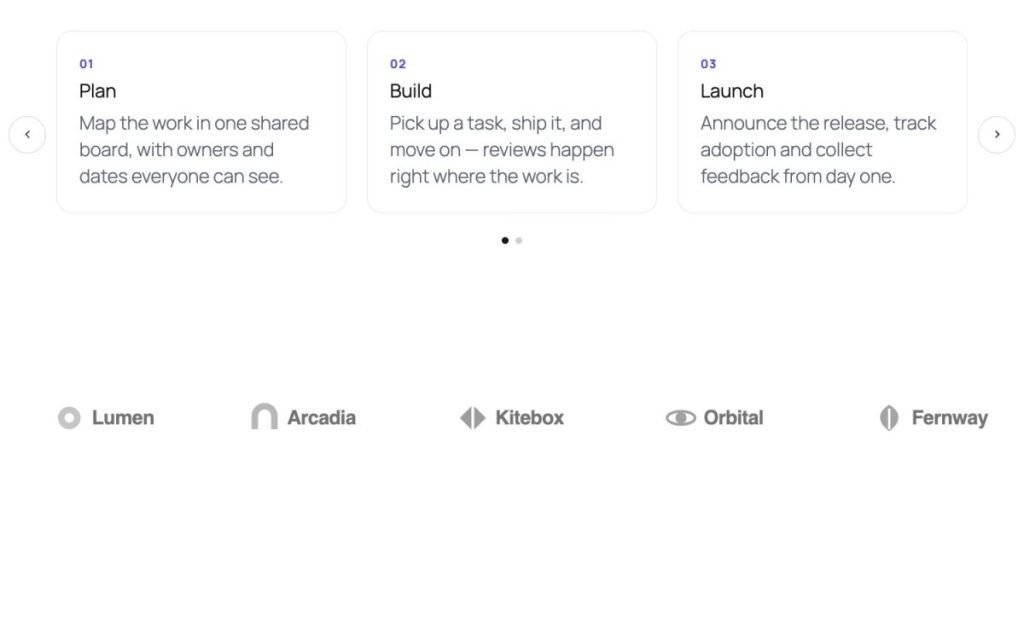
Carousel
Show more content in less space with a sliding carousel.
Chart
Turn numbers into charts people understand at a glance.

Chat Button
Let visitors reach you instantly on chat, phone or email.

Comparison Table
Help visitors pick the right plan or product side by side.

Content Switcher
Let visitors switch between two versions, like monthly and yearly.

Countdown
Add urgency to an offer or launch with a live deadline.

Counter
Show the numbers that prove your track record.
Not finding what you need?
Request it from Feature Requests inside the plugin — others can vote for it, and it shows up on the roadmap.